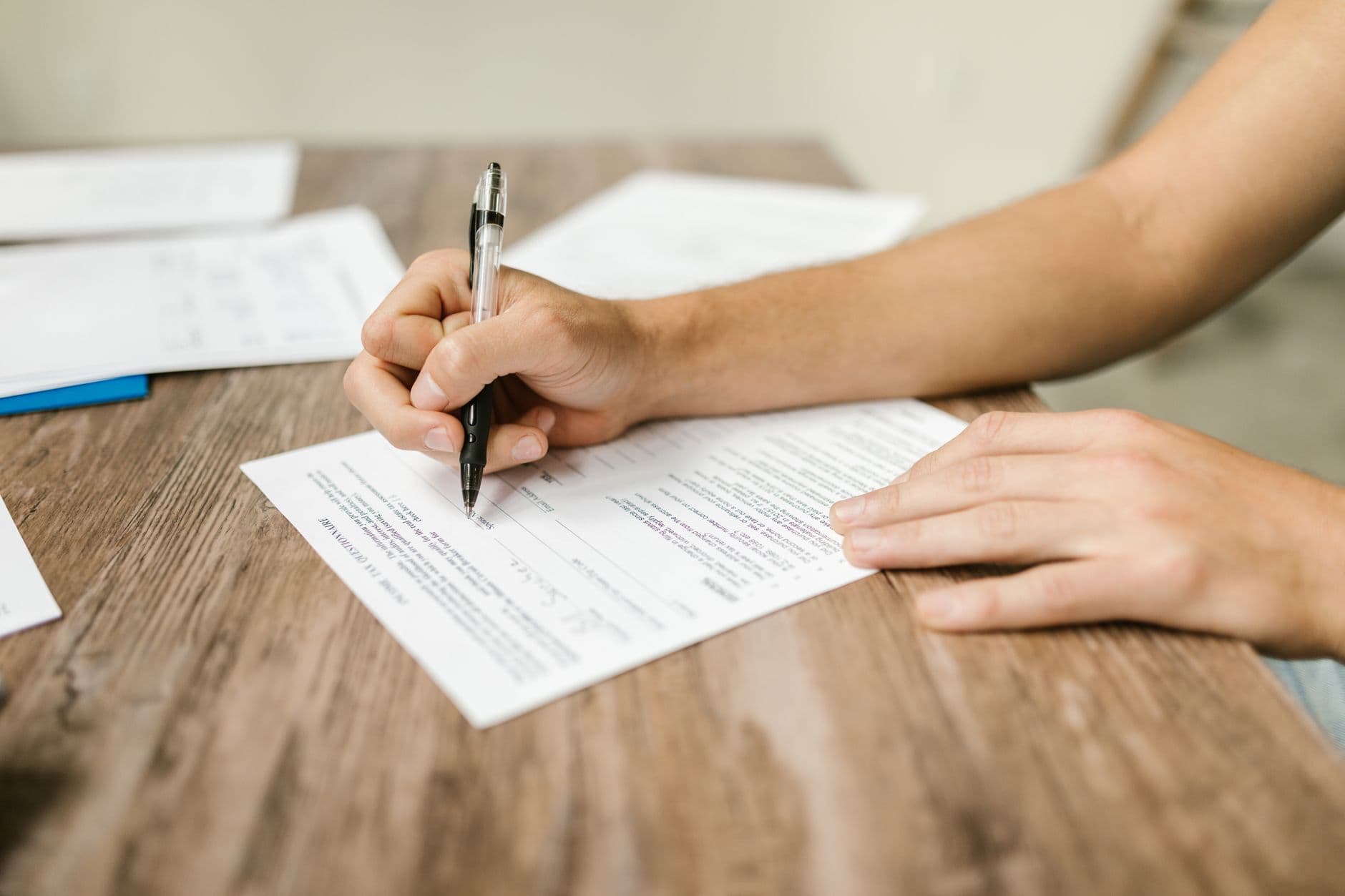
Add real icons and stock photos to your forms — never AI-generated
A searchable icon library and royalty-free stock photo search, in the manual builder and in AI Generate. Real photography, real icons, no synthetic imagery, ever.
Tag
A searchable icon library and royalty-free stock photo search, in the manual builder and in AI Generate. Real photography, real icons, no synthetic imagery, ever.

The standard accessibility workflow — design, export, discover it's broken, remediate — is expensive and never produces results as good as designing correctly from the start. Here's what building it in looks like instead.

An unclear custom-order or returns form doesn't just lose sales, it creates the confused emails and phone calls your support team spends all week clearing up. Fixing the form fixes both problems at once.

Disabled home-seekers are disproportionately likely to need accessible housing, and disproportionately likely to give up on an enquiry form before they ever reach you. Here's what that costs an agency, and how to fix it.

Whether you're a sole trader taking bookings or a regulated firm running KYC checks, your client-facing forms carry more legal and reputational weight than most owners realise. Here's what that means in practice.

Describe what you need and FormGenius builds it, or upload the Word document, PDF, or scanned form you already have and convert it into an accessible form automatically. Either way, you never rebuild from scratch — or trade away accessibility to save the time.

Most forms lose people long before the submit button. Here's why they bail — too many fields, vague labels, brutal error handling — and how to design a form that's quick, clear and accessible enough to actually complete.

A scanned form with text on it is not an accessible PDF. Here's what PDF/UA really means, why tagging matters, and how to stop shipping documents that screen readers can't use.